• ⏰ Welcome, Guest! You are viewing only 2 out of 27 total forums. Register for FREE today to view more, then Subscribe to go Ad-Free and view all forums, submit posts, reply to posts, create new threads, view photos, access private messages, change your avatar, create a photo album, customize your profile, and possibly be selected as our next Feature of the Month.

Wanna Post A Hair Pic? I Gotchu Boo.

⏳ Limited Access:

Register & Subscribe to Unlock
Full, Ad-Free Access.

ItsMeLilLucky

NotLucky no mo' just blessed.
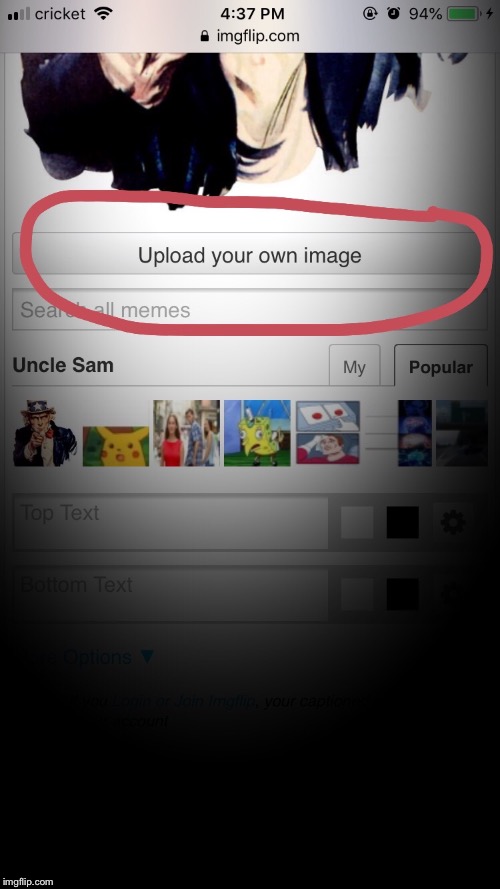
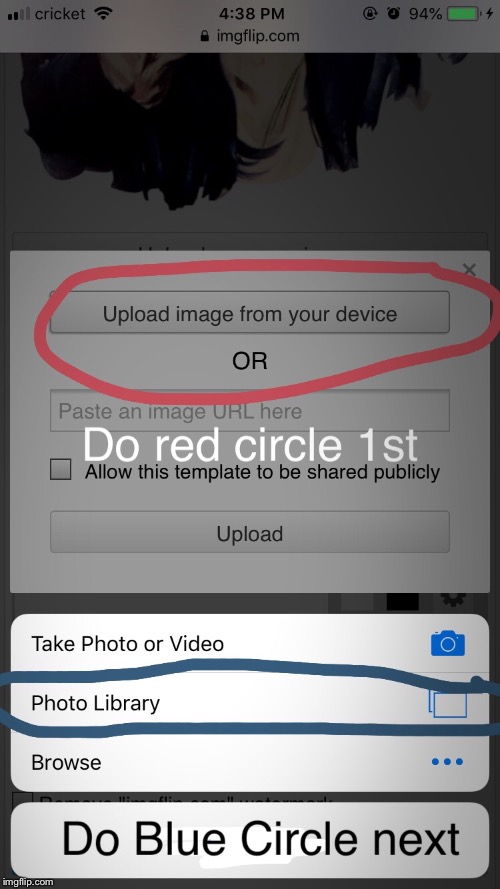
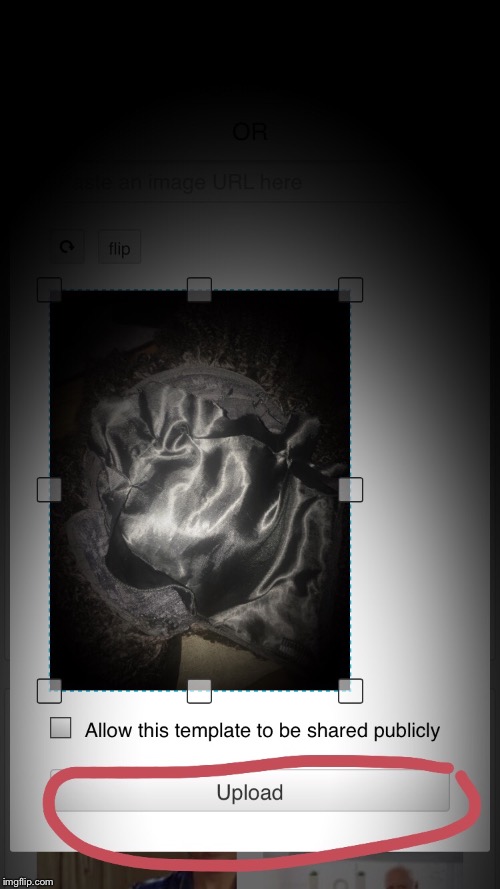
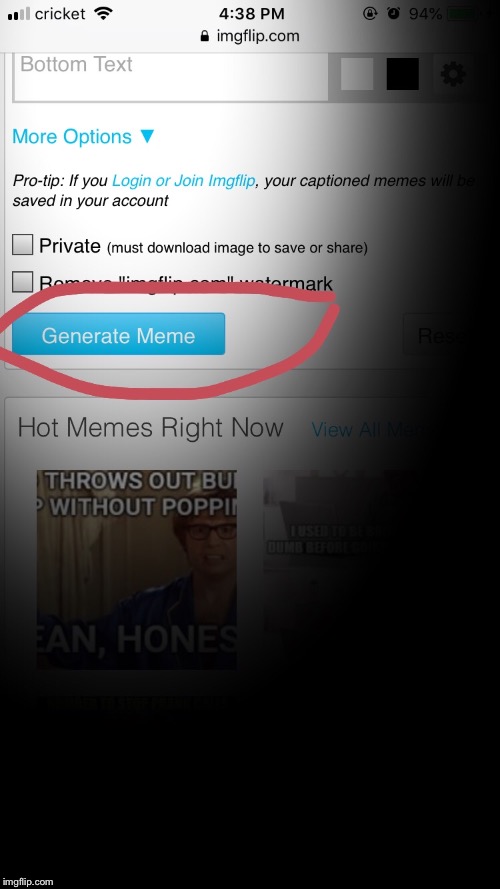
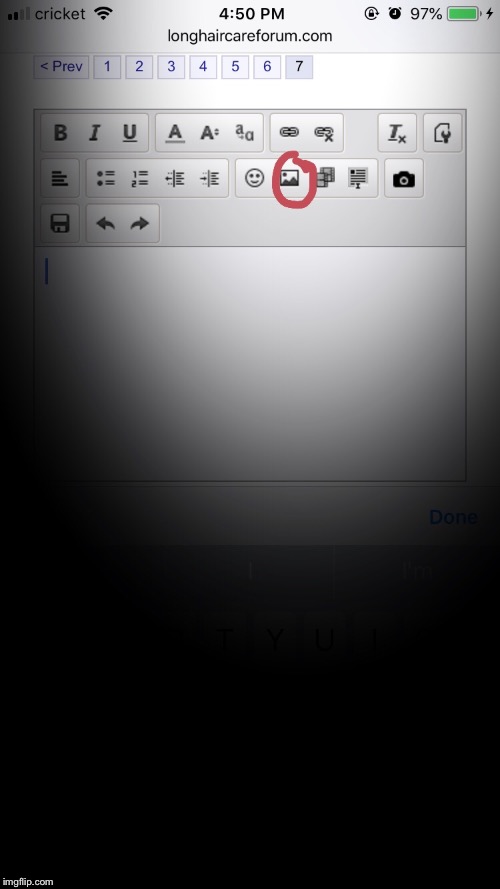
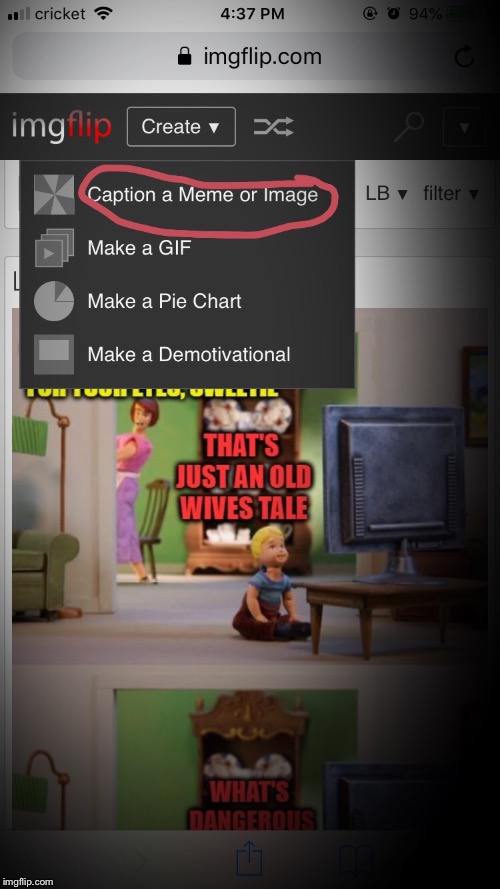
Sometimes when I post a picture, I’ll get an error message. I don’t have a resizing app, so usually I use this method. I have an iPhone 6s, hopefully it works for PC and Android, but you might get slightly different prompts. I decided to make a thread so it doesn’t get too lost lol

Now these pictures come out pretty big, so there’s that :lachen:
2q4s0n.jpg

2q4s4j.jpg

2q4scf.jpg
 
Last edited:
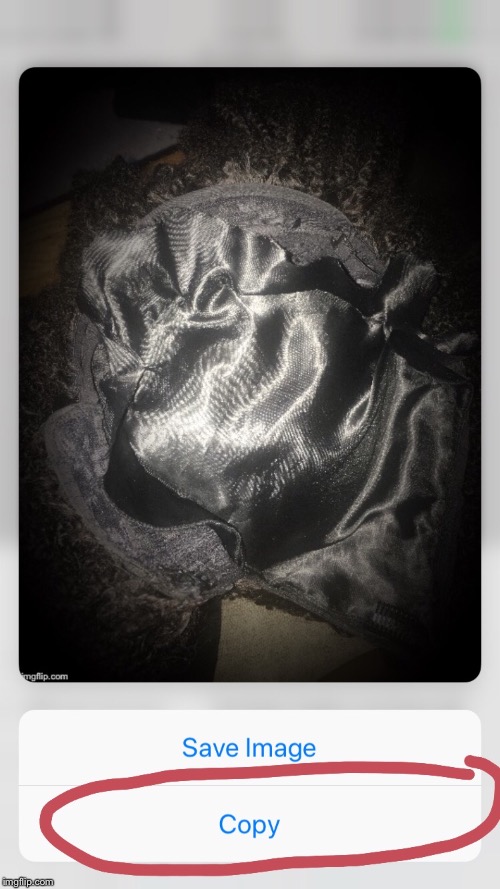
Okay, this is where you long press on the picture to make the “save image” and “copy” to make your picture pop up if you have an iPhone. Hopefully Androids work in the same manner.
2q4tn8.jpg


2q4tv7.jpg
 
Your babies are beautiful lol. I had a plant once and I killed it. Broke my heart and I never bought another plant.

Awwww....you need a low maintenance one then. The one in the pic is an airplant. It's a good starter plant.

I hate when plants die...I had one die within a week of buying it. I said well dang lil buddy....sorry I couldn't save you! :cry3:
 
I decided to see if I’d have a problem with updating my avatar today-no issue, at least this time without using an app to resize the image. Maybe it was a technical glitch with the site itself that prevented some users from updating images. Not sure :look:.
 
Back
Top